Table of contents 10 sections
If you use large language models (LLMs) like GPT-4, Claude or Google Gemini to process structured data, you’re most likely using JSON as your input and output format today. JSON is the de facto standard for data exchange between systems thanks to its simplicity, huge adoption and native support practically everywhere.
In the context of AI prompts, however, JSON can become surprisingly inefficient: every curly brace {}, every square bracket [], every quotation mark " and every repeated key counts as a token when sent to an LLM. In a large prompt, these “invisible” syntax characters can inflate the token count (and therefore costs) without adding any real information. That’s where the idea of a leaner format for talking to models comes from.
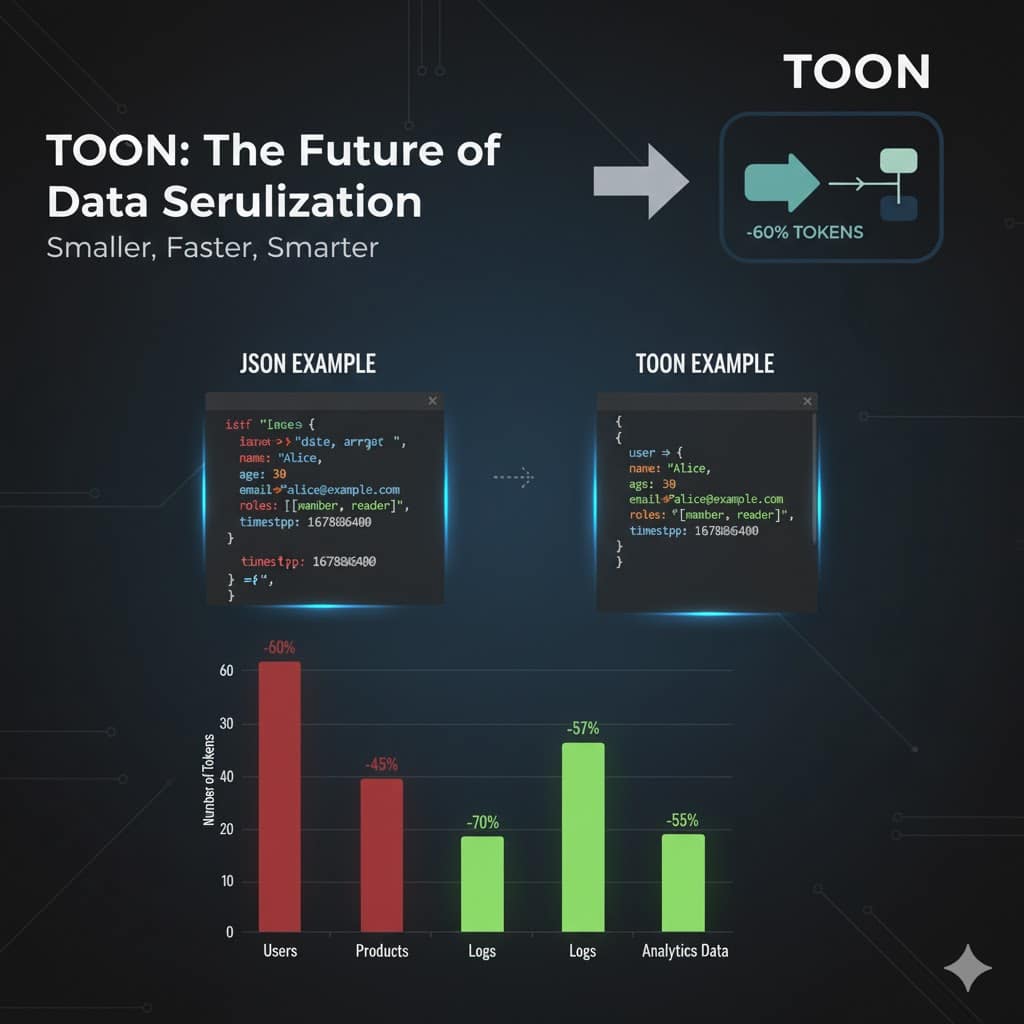
This need led to the creation of TOON (Token-Oriented Object Notation), a new open-source data format designed specifically for AI models. Introduced in October 2025, TOON quickly gained popularity thanks to its promise of cutting the tokens needed in prompts by 30–60% compared with the equivalent JSON, while keeping the same information structure.
What TOON is and why it was created
TOON is a data serialization format that is compact and readable (for both humans and models) and represents the same structures as JSON but with a syntax optimized to minimize tokens.
In other words, TOON preserves exactly the same information as an equivalent JSON (it’s lossless, convertible back and forth without loss), but removes superfluous punctuation and syntactic redundancy that weigh down LLM prompts. A simple way to describe it is: “like JSON, but rewritten in the grammar AI models prefer”.
Formats like JSON, XML or YAML weren’t created to interact with language models, but to let software systems communicate. As a result they include many redundant syntactic structures (brackets, commas, quotes, repeated keys) that are useful to traditional parsers but not really needed by an LLM.
An AI model “sees” text as a sequence of tokens and gets no particular benefit from formatting characters: if a JSON has 100 objects, each with 10 fields, the names of those fields will be repeated 100 times. As prompts grow, this inefficiency becomes a significant hidden cost .
TOON was created to solve exactly this problem, with a few key ideas:
-
No brackets and commas: TOON completely removes
{},[]and many separating commas, replacing them with indentation and a tabular syntax. -
No double quotes for keys: field names aren’t wrapped in quotes, further reducing verbosity.
-
Hierarchical indentation: as in YAML, indentation defines the nested structure instead of curly braces.
-
Lists in tabular format: arrays of objects take a “table” form: you declare the list of fields (the header) once and then list the values row by row. This removes needless repetition.
-
Explicit length markers: every array declares up front how many elements it contains (e.g.
[10]), so the model doesn’t have to infer or count the number of elements. -
Two-way conversion: any valid JSON can be converted to TOON and back without information loss, acting as a “translator” for data sent to models (and for reading the answers).
Practical example: JSON vs TOON
To see the difference in practice, let’s look at a simple data example.
Classic JSON
Suppose we have an object with a list of users:
{ "users": [ { "id": 1, "name": "Alice", "role": "admin" }, { "id": 2, "name": "Bob", "role": "user" } ] }Equivalent TOON
The same data is written in TOON like this:
users[2]{id,name,role}: 1,Alice,admin 2,Bob,user
The users object immediately declares that it contains [2] elements and defines, in the header {id,name,role}, the fields valid for all of them. The following rows contain only the values, in the specified order.
There are no curly braces or square brackets, nor quotes around the keys. The informational meaning is identical, but the TOON version uses far fewer symbols and, in this specific case, requires less than half the tokens of traditional JSON.
TOON vs. JSON:
| Characteristic | JSON (JavaScript Object Notation) | TOON (Token-Oriented Object Notation) |
|---|---|---|
| Syntax | Requires {}, [], , and " for keys and strings. |
Removes {}, [] and many , unnecessary ones. Uses indentation; keys don’t need quotes. |
| Token efficiency | Very verbose, especially with arrays of objects (repeated keys). High token consumption. | Optimized to minimize tokens. Typical savings of 30–60% compared with the equivalent JSON. |
| List handling | Every object in the array repeats structure and keys. | “Tabular” format: keys (header) are declared only once at the start of the list. |
| Guidance for the AI | The AI has to interpret the entire syntax to infer the structure. | Provides “guardrails”: explicit length [N] and schema {fields} , reducing parsing errors. |
| Human readability | A universal standard, but it can become hard to read when deeply nested or repetitive. | Highly readable, similar to YAML. The tabular structure for lists is immediately clear. |
| Main use case | De facto standard for APIs, configuration files and data exchange between systems. | Specialized for LLM prompts: sending and receiving structured data to/from AI models. |
Advantages and features of TOON
By implementing the ideas above, TOON offers a series of concrete advantages for anyone working with AI models:
-
Fewer tokens
This is the most obvious benefit. In practice, TOON typically lets you use 30% to 60% fewer tokens than the equivalent JSON. In benchmarks on large, uniform datasets, the savings are consistent: for example, for 10,000 user records, TOON may require about 4,500 tokens of syntax versus ~10,000 for classically structured JSON. Fewer tokens means lower costs and faster responses. -
Readability for humans and AI
TOON keeps a clear structure. The indented syntax and tabular form make it easy to scan visually. For the model, the input is easier to interpret because it has no syntactic “noise”; every token present carries more information. Several tests have found that TOON can even slightly improve how accurately the AI extracts or summarizes information compared with the equivalent JSON. -
Fewer parsing errors
By explicitly declaring the schema and the length of lists, TOON gives the LLM strict, predictable guides. The model knows which fields to include and how many elements to expect, which reduces the likelihood of malformed output (missing fields, broken syntax, incomplete rows). This is especially useful when you ask the AI to return structured data that your code must then process automatically. -
Compatibility and simple conversion
Adopting TOON doesn’t mean abandoning JSON. You can keep using JSON throughout your application (APIs, databases, configuration files) and simply convert it to TOON when sending it to the model, then decode any response back to JSON.
TOON supports the same basic data types as JSON (strings, numbers, booleans, null) and the same nested structures. Where possible it compresses into tabular format; where it can’t, the structure still resembles YAML, keeping clarity and compatibility.
In short, TOON doesn’t replace JSON everywhere: JSON remains irreplaceable for complex configurations, APIs and data exchange between systems. TOON should be seen as a specialized tool, to use when your counterpart is an AI model and cost per token matters.
When to use TOON
TOON works best in scenarios with uniform, tabular, not too deeply nested structured data. Some typical use cases:
-
Uniform “spreadsheet-like” lists
If your data looks like a table with similar rows (user list, product catalog, event log, order list, inventory, etc.), TOON is particularly effective. You avoid repeating the same field names for every element by declaring the header only once. -
Prompts with lists or tables
If you need to pass an LLM a list of items with a fixed structure for analysis, filtering, clustering or summaries, TOON lets you include many more items in the context for the same number of tokens. For example, you can have the model read a product catalog, a review dataset or an event log in compact form. -
Large uniform datasets
For training, testing or evaluating LLMs with many structured examples (tabular prompts, Q&A on data, etc.), TOON lets you inject more examples per context window. The larger and more regular the dataset, the more significant the benefits.
In short, if your data looks like a spreadsheet, TOON is probably the right choice.
When to avoid TOON
TOON isn’t always the best solution. There are cases where it’s better to stick with JSON:
-
-
Deeply nested data
If the structure has many hierarchical levels (a “Christmas tree” with many sub-objects and sub-lists), TOON can become less clear and even consume more tokens than JSON, because it can’t make good use of the tabular mode. -
Non-uniform or highly heterogeneous structures
If each array element has different fields or a variable schema, TOON’s strength (avoiding uniform repetition) disappears. In these cases the token savings are minimal or zero, and JSON remains more straightforward. -
Contexts with strict format requirements
If you’re interacting with systems that expect JSON (public APIs, microservices, databases, third-party libraries), there’s no point introducing TOON. Use it only in the communication step with the LLM; not as a storage format or public interface. -
Premature optimization on small data
If the data volume is small and token cost isn’t a practical issue, introducing TOON may be unnecessary effort. JSON already works well on small volumes and is supported everywhere.
-
How to start using TOON
TOON was designed to be easy to adopt on top of existing ecosystems. There are already official (and unofficial) libraries and tools that make it easier to use.
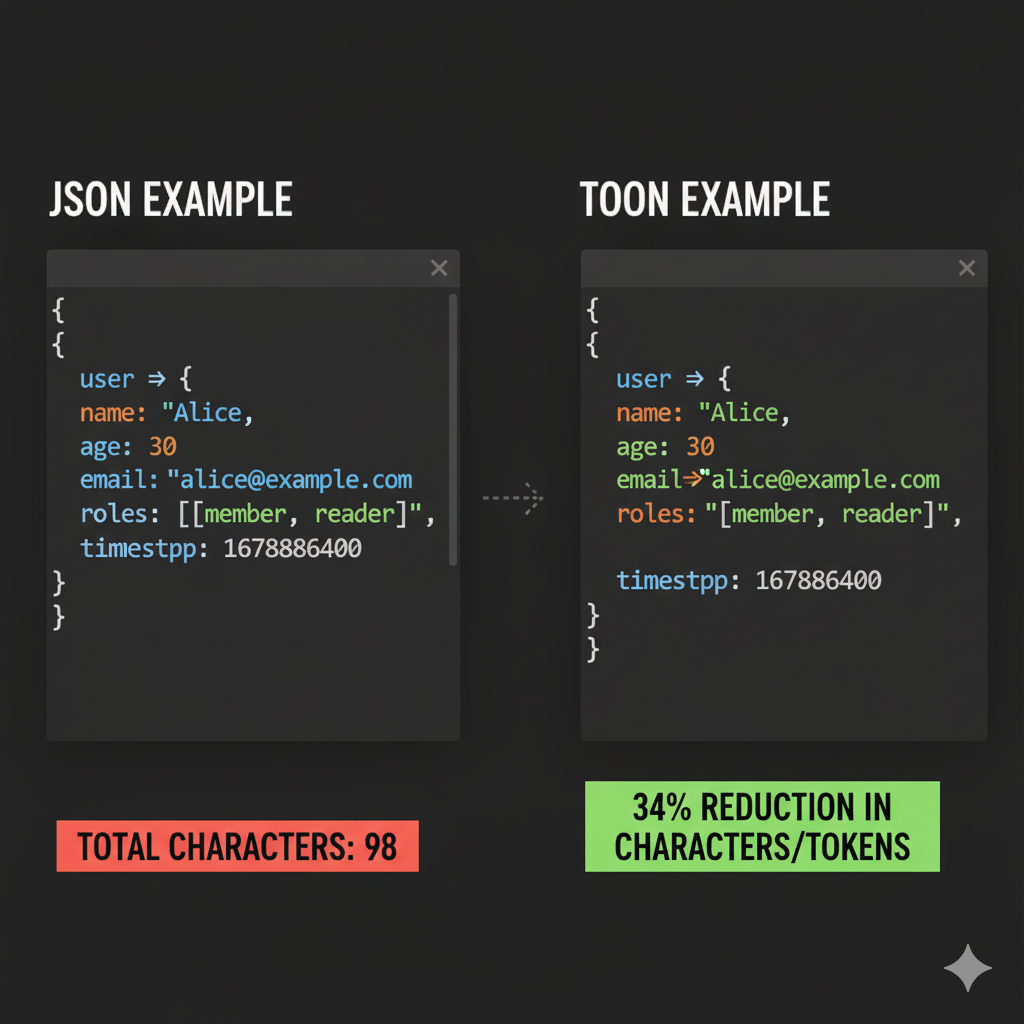
Official library (Node.js/TypeScript)
TOON’s developers have released an official NPM package for JavaScript/TypeScript. The library exposes methods such as encode() and decode() to convert both ways between JSON and TOON.
Example in a Node project:
import { encode, decode } from "@toon-format/toon";const data = {
users: [
{ id: 1, name: "Alice", role: "admin" },
{ id: 2, name: "Bob", role: "user" }
]
};const toonText = encode(data);
/*
toonText now contains:
users[2]{id,name,role}:
1,Alice,admin
2,Bob,user
*/
const jsonData = decode(toonText); // Back to the original JSON object
In practice, you can keep JSON inside your application and turn it into TOON only at the point where you build the prompt to send to the model.
Command-line CLI
There’s also a command-line tool to convert JSON files to TOON and back. It’s useful for quickly testing TOON’s effectiveness on your real data and measuring token savings.
The command converts data.json to TOON and shows statistics such as the number of characters and the estimated tokens saved.
Other languages and tools
The community has started developing libraries and bindings for various languages: Python, Rust, Go, PHP, Kotlin, Swift, and integrations with AI frameworks such as prompt orchestrators, agent frameworks and automation tools.

Practical tips and best practices
-
Use it only where needed
Keep JSON for APIs, storage, logs and integrations between systems. Convert it to TOON only in the step between backend and AI model. This hybrid approach gives you efficiency in prompts and maximum compatibility everywhere else. -
Choose the best delimiter
By default TOON uses a comma,to separate values in tabular rows. If your values contain many commas (for example text descriptions), or you want to further reduce ambiguity, you can use tabs (\t), or the pipe (|character) as the separator. In many tokenizers, the tab behaves favorably in terms of tokens consumed. -
Always validate the model’s output
If you ask the model to return data in TOON, check that it’s syntactically valid using the decoding function in “strict” mode. This way you can catch errors such as inconsistent[N]counts, missing rows or extra columns.
Don’t force it where it loses efficiency
If tests show that for a particular structure the token savings are zero or negative, don’t use TOON at all costs. You can adopt it only for the parts of the prompt suited to the tabular format (for example large lists) and leave the rest in JSON or natural text.
Typical usage example:
Ecosystem and adoption
TOON is a recent but fast-growing open-source project. The initial specification was published at the end of 2025 and the official GitHub repository quickly gathered tens of thousands of stars, a sign of strong interest from the AI developer community.
The community immediately started creating:
-
implementations for various languages,
-
command-line tools,
-
integrations with prompt orchestration frameworks,
-
plugins for development environments and no-code/low-code tools.
It’s important to remember, however, that TOON is still young: there are no formal standards yet or native support in the most widely used cloud services (which keep speaking JSON or XML). For now, TOON use is driven mainly by practical LLM use cases and community initiative.
References
- Official TOON documentation – “Token-Oriented Object Notation (TOON) – Specification and README of the open-source project”, GitHub repository toon-format/toon.
-
Abhilaksh Arora – “TOON: The Smarter, Lighter JSON for LLMs”, technical article published on DEV Community.
-
FreeCodeCamp News – “What is TOON? How Token-Oriented Object Notation Could Change How AI Sees Data”, an introductory guide to TOON and its use cases with language models.
-
JSONToTable Blog – “TOON Format Specification: Complete TOON JSON Syntax Guide”, a complete guide to the syntax and conversion rules between JSON and TOON.

Davide Prevosto
Senior Developer and Technical Consultant
Senior developer and technical consultant at YourDigitalWeb, he handles the technical side of SEO and GEO projects. He co-authored the book “Generative SEO” (Edizioni LSWR) with Marco Maltraversi and Giovanni Sacheli.
One click and, when you search for SEO, AI and marketing, our articles will show up more often in Google’s Top Stories.