Table of contents 8 sections
- What Google Preferred Sources are
- Why they matter for publishers, brands and companies
- The link between Preferred Sources and Google Discover
- What the Google Web Profile is
- Why we created the Google Web Profile Tool
- How to add a site to Google Preferred Sources
- Practical tips for inviting users to add your site
- How to use the Google Web Profile Tool in your SEO strategy
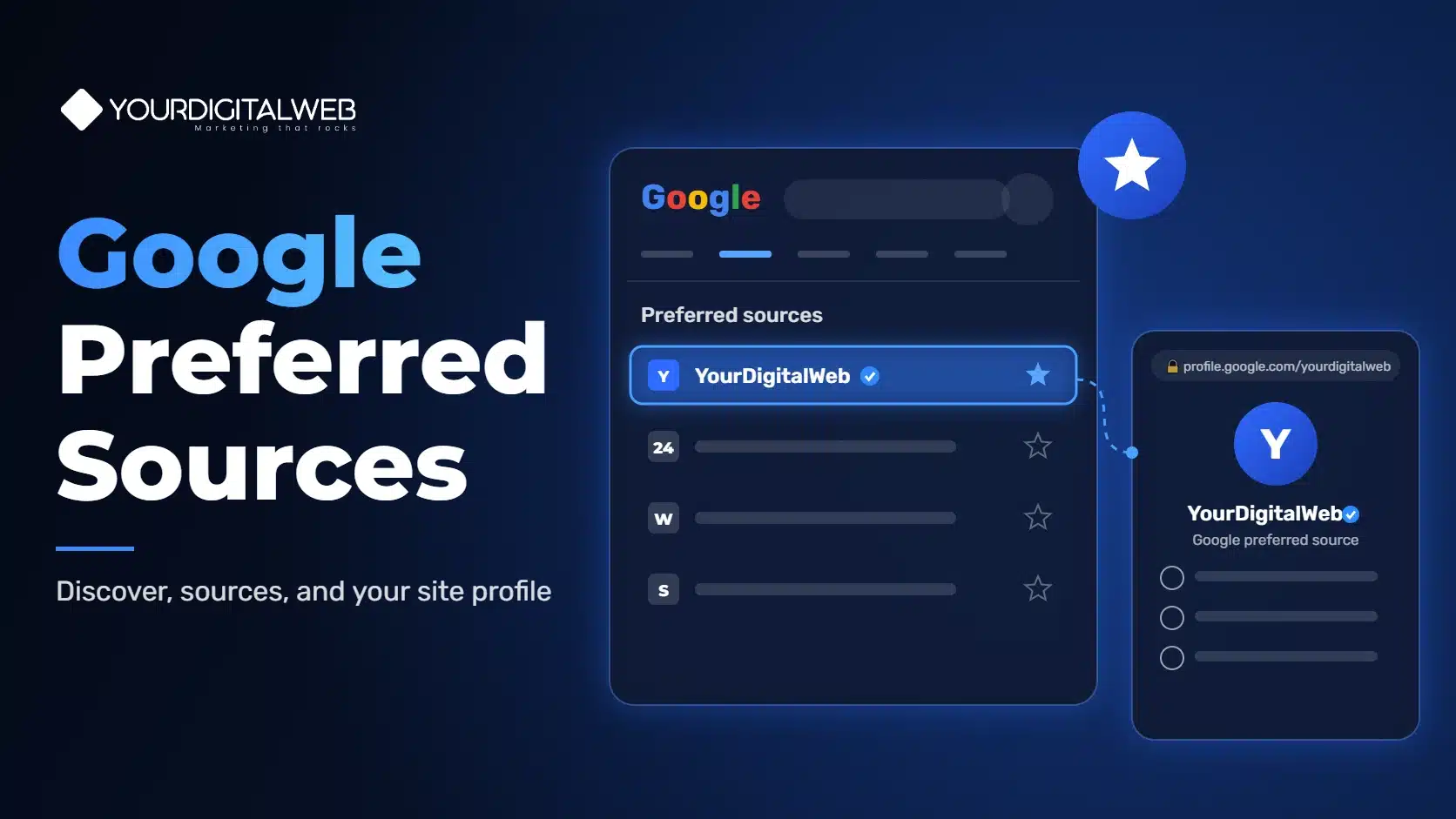
Google is making the direct relationship between users, brands and editorial sources increasingly important. The Preferred Sources feature goes exactly in this direction: it lets users tell Google which sites they want to see more often in the Top Stories section of Search. For publishers, magazines, company blogs and sites that work with informational content, this raises a fundamental question: Does Google really recognize your site as a source?
Before even thinking about a Google Discover strategy, it’s useful to understand how Google interprets the domain, which signals it can read and whether the site is perceived as a clear, consistent and reliable entity.
What Google Preferred Sources are
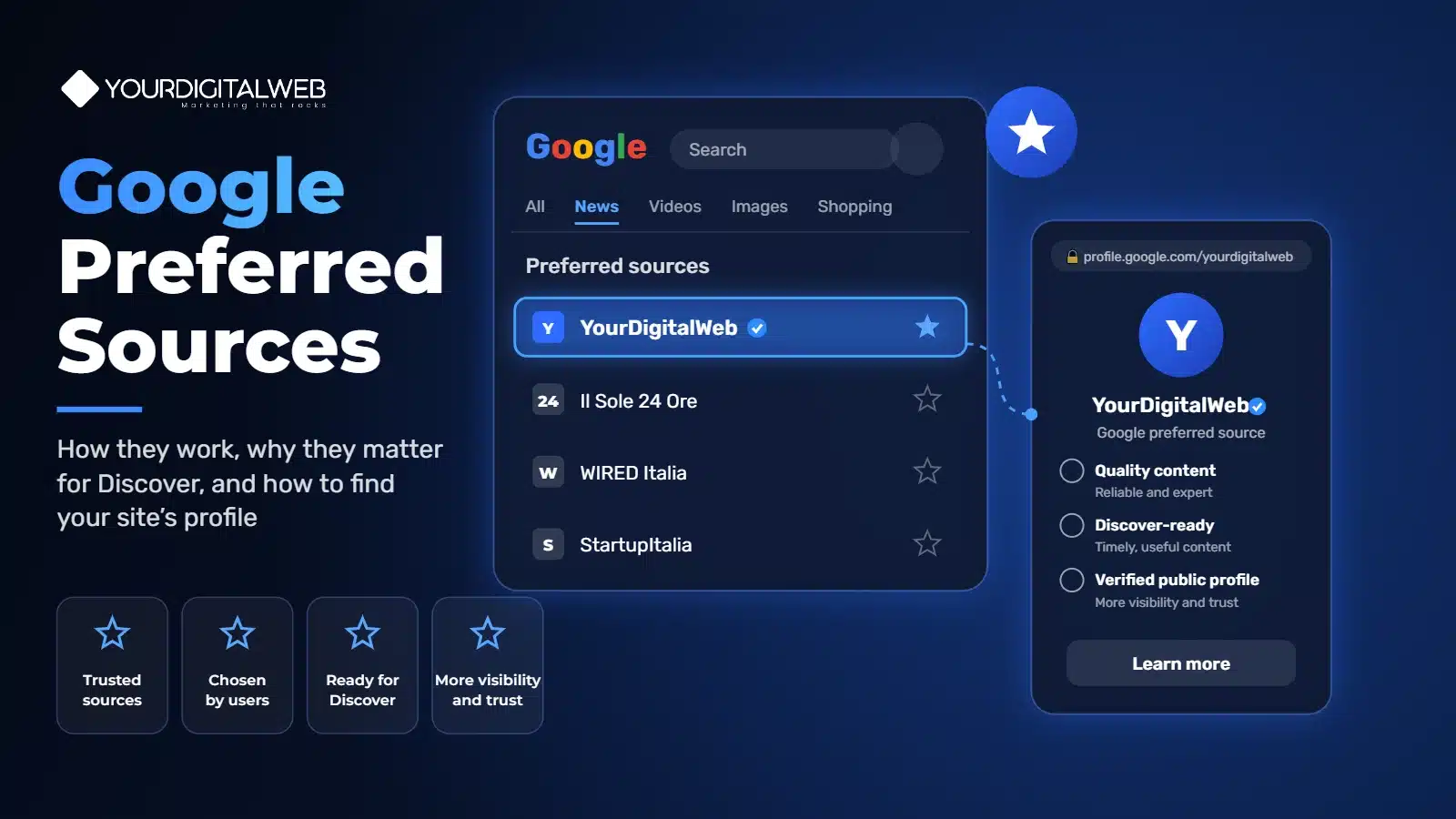
Preferred Sources are a Google Search feature that lets users select the sites and publications they want to see more often when searching for news or current topics. When someone adds a site to their preferred sources, Google may show that source’s content more often in the Top Storiessection, provided there is fresh content relevant to the search. This doesn’t mean the site will always appear or that visibility is guaranteed. But it does mean the user is sending Google a clear signal: this source interests me.
Why they matter for publishers, brands and companies
Preferred Sources aren’t just a small personalization feature. They’re a sign of the ongoing change in how Google organizes and distributes information. For years, many sites worked almost exclusively on keywords, titles, content and links. All of these still matter, but today they’re not enough on their own. Google needs to understand:
- who publishes the content;
- what the site’s main topic is;
- whether the domain is consistent with an editorial or professional category;
- whether the site publishes up-to-date content;
- whether users recognize the brand as a useful source;
- whether the technical and semantic signals are clear.
In other words, being online isn’t enough. You have to be recognizable.
The link between Preferred Sources and Google Discover
Google Discover is one of the most interesting environments for content producers. Unlike traditional Search, Discover doesn’t start from a query typed by the user: it suggests content based on interests, behavior and perceived relevance. This makes Google’s ability to understand a site correctly even more important. A Discover strategy shouldn’t start only from the question:
“Which headlines work best?”
It should start from a deeper question:
“Does Google really understand who we are and what we talk about?”
If a domain is weak as an entity, rarely updated, ambiguously classified or lacks clear editorial signals, a Discover strategy risks starting uphill.
What the Google Web Profile is
For some domains it’s possible to find a technical page associated with Google, with a URL like:
profile.google.com/cp/...
This URL is often referred to as the Google Web Profile. It shouldn’t be confused with Google Search Console, Google Analytics or an official SEO dashboard. It’s more accurate to see it as a possible observation point: a way to pick up clues about how Google may represent or identify a domain. The key is not to treat it as absolute truth, but as a signal to read together with other elements:
- structured data;
- logo and brand information;
- the site’s estimated category;
- sitemap and feeds;
- content freshness;
- indexing;
- editorial consistency;
- titles and content structure.
Why we created the Google Web Profile Tool
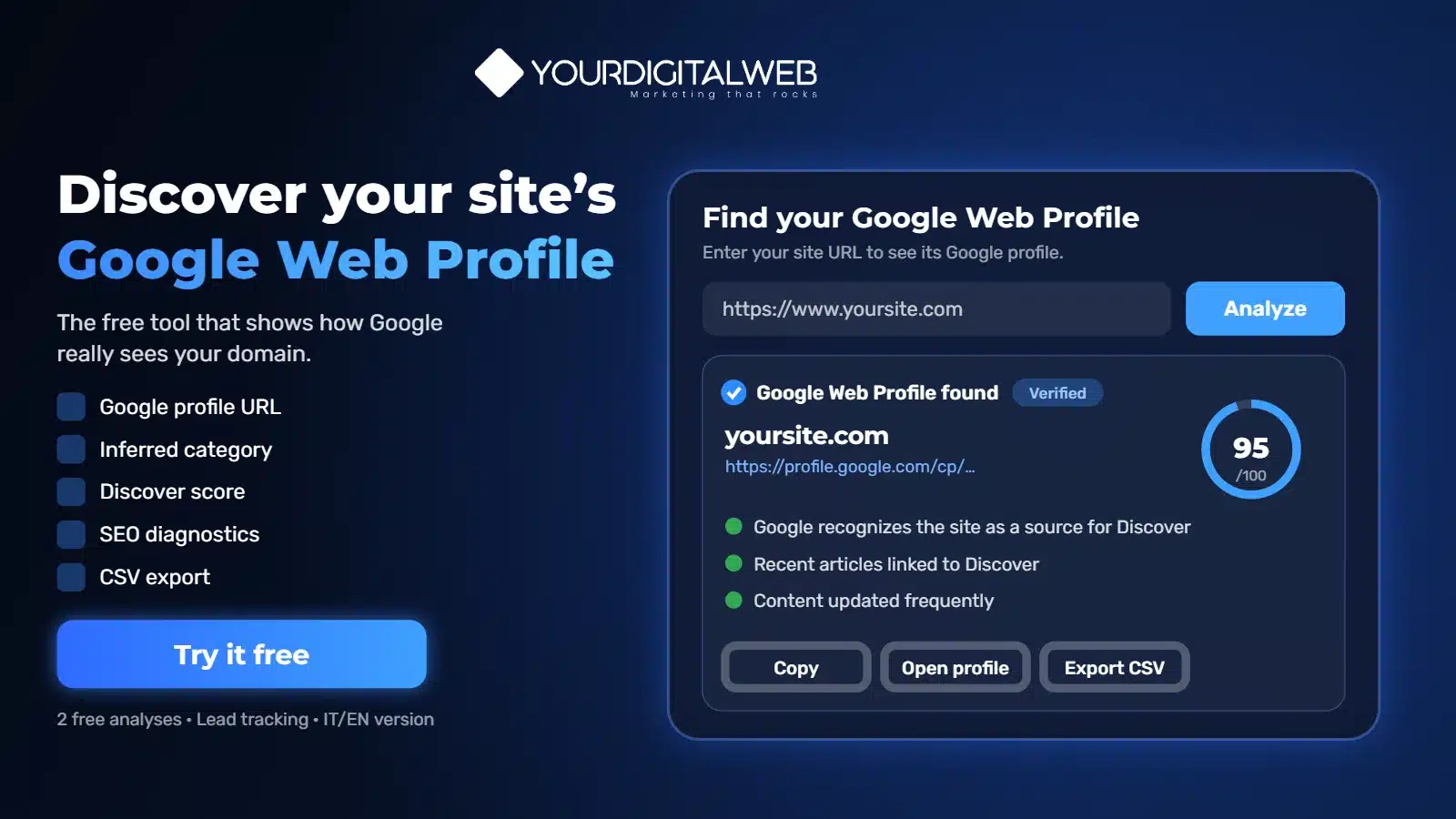
We created YourDigitalWeb’s Google Web Profile Tool to help companies, publishers, SEOs and content teams run a quick first check on their domain. The tool lets you enter a domain and get, in a few seconds, a summary reading of the main signals connected to the site. With the tool you can get:
- the domain’s Google Web Profile URL;
- an estimated category for the site;
- a Google Discover readiness score;
- a quick diagnosis of indexing, freshness, titles and entity signals;
- a CSV export useful for comparing several domains or analyzing competitors.
It doesn’t replace a full SEO audit. It answers one precise question:
Can Google read and interpret your site correctly?
If the answer is unclear, before investing in an advanced Discover strategy it’s worth working on the foundations: structure, brand, structured data, content, publishing frequency and topical consistency.
How to add a site to Google Preferred Sources
Google lets users add preferred sources directly from Search, when the Top Storiessection appears. Alternatively, publishers can make the process easier with a direct link to the preferences page. To add YourDigitalWeb as a preferred source you can use this link:
Add YourDigitalWeb to your Google Preferred Sources
Practical tips for inviting users to add your site
If you run an editorial site, a company blog or a magazine, don’t just publish the link once. Build Preferred Sources into an audience-relationship strategy.
1. Add a CTA to your most-read articles
Add a short invitation at the end of informational articles:
“Want to see more from this source on Google? Add us to your Preferred Sources.”
2. Use a direct link to the preferences
The recommended format is:
https://www.google.com/preferences/source?q=https://www.tuosito.com
Replace the final URL with your site’s main domain. It’s better to use the domain or subdomain, not a single internal folder.
3. Post an announcement on social media
Explain simply why a user should add you:
- to get updates from your site more often;
- to follow a niche source on a specific topic;
- not to miss new content when it appears in Top Stories;
- to strengthen the direct relationship with the brand.
4. Add the CTA to your newsletter
The newsletter is one of the best channels for promoting Preferred Sources, because it reaches users already interested in the brand. You can add a simple box:
“Follow YourDigitalWeb on Google too: add us to your Preferred Sources.”
5. Don’t promise automatic visibility
It’s important to be accurate: adding a preferred source doesn’t mean always seeing that site in every search. Google will continue to assess relevance, freshness and content quality. The right promise isn’t “we’ll always appear,” but:
“You’ll see our content more often when it’s relevant to your search.”
6. Work on your site’s signals first
Before encouraging users to add your site to their Preferred Sources, check that the domain is clear to Google. Check:
- a consistent brand name;
- the correct logo;
- up-to-date structured data;
- working feeds and sitemaps;
- fresh content;
- clear editorial categories;
- unambiguous titles;
- author pages or editorial information, where relevant.
How to use the Google Web Profile Tool in your SEO strategy
The best way to use the tool is at the start of strategic work. Before producing more content, before opening new editorial verticals and before chasing Discover traffic, it’s worth checking whether the site has understandable signals. A possible process:
- analyze the domain with the Google Web Profile Tool;
- check the profile URL and the estimated category;
- assess the Discover readiness score;
- read the diagnosis on indexing, freshness, titles and entities;
- compare the data with your competitors’;
- fix any technical or editorial inconsistencies;
- only then, work on a more structured Discover strategy.
Google Preferred Sources make one concept increasingly clear: SEO isn’t just page optimization, it’s building recognizability. To stand out in Search, Top Stories and Discover, a site must be technically accessible, editorially consistent and recognizable as a source. The Google Web Profile Tool was created to help you run the first check: understand how Google may interpret your domain and which signals need attention. Try the free tool here:
YourDigitalWeb Google Web Profile Tool
And add YourDigitalWeb to your Google Preferred Sources:
Add YourDigitalWeb as a preferred source
Before asking Google for more visibility, make sure Google has understood who you are.

Marco Maltraversi
CEO and founder of YourDigitalWeb
He founded YourDigitalWeb in 2009 and is an SEO and GEO consultant with a background in software engineering. He has written books on SEO and artificial intelligence, including “Generative SEO” (Edizioni LSWR), teaches in university programs and runs the DeepSEO training program. He has spoken at SMAU, Web Marketing Festival and Search Tech.
One click and, when you search for SEO, AI and marketing, our articles will show up more often in Google’s Top Stories.